
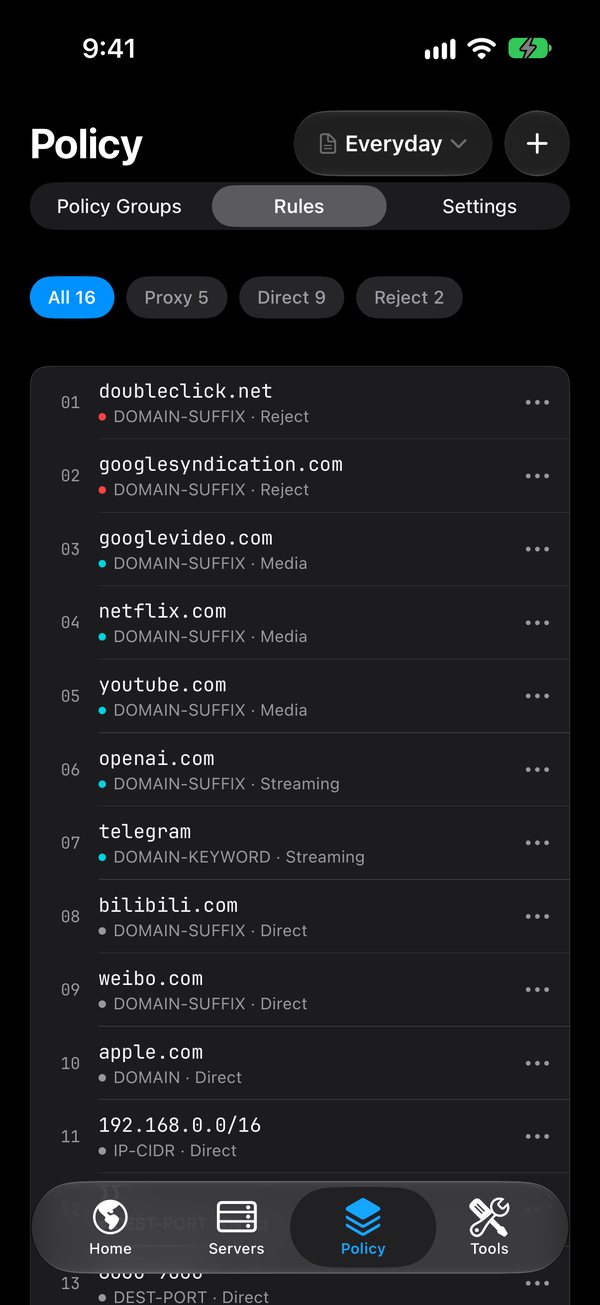
Rule-based routing.
Send each connection through a proxy, direct, or nowhere at all, by domain, GeoSite, IP range, or GeoIP. A final rule catches everything else.
Coming soon to the App Store
Route traffic by rule, run your own servers, and see where your connections go. Everything runs on your device.
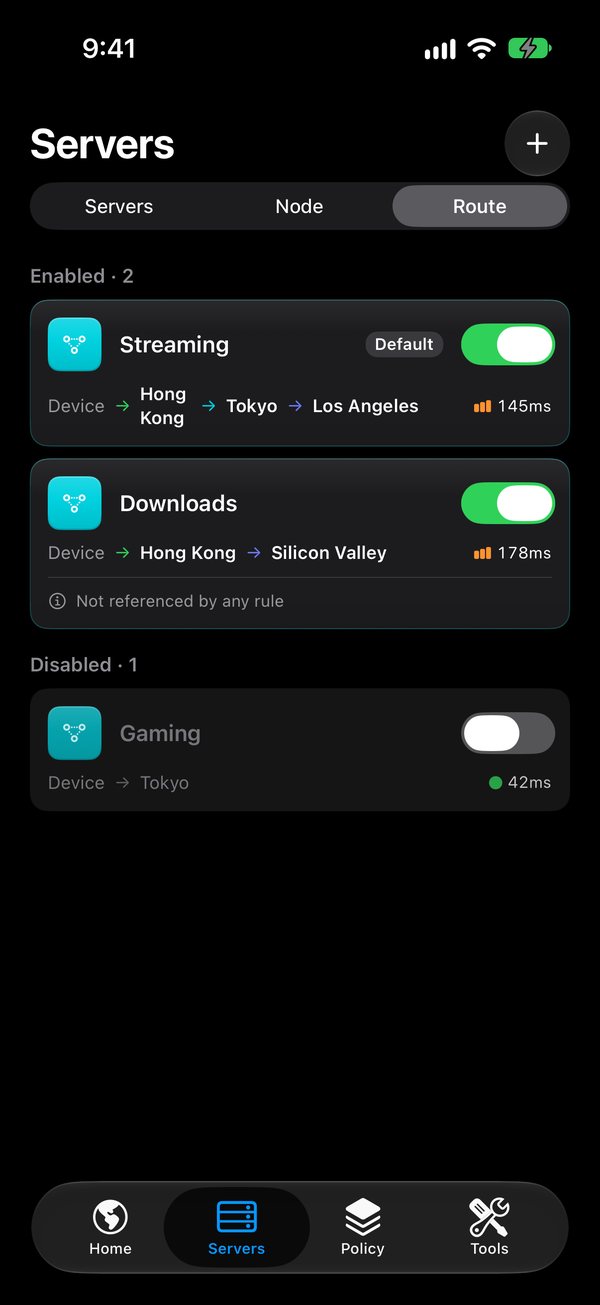
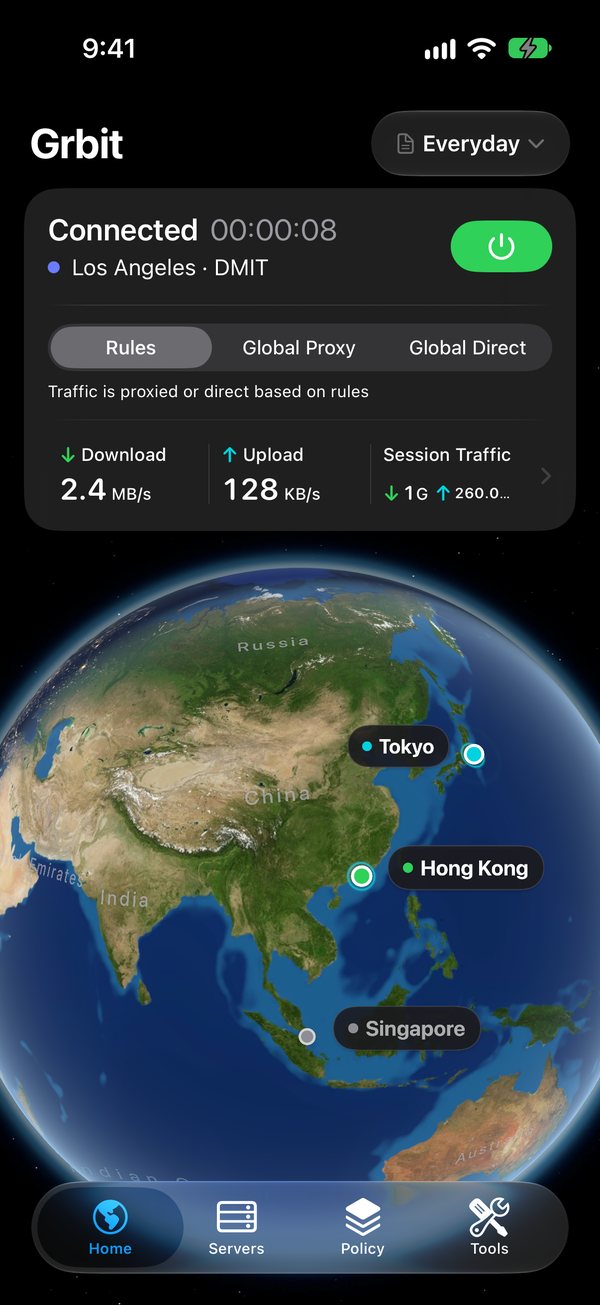
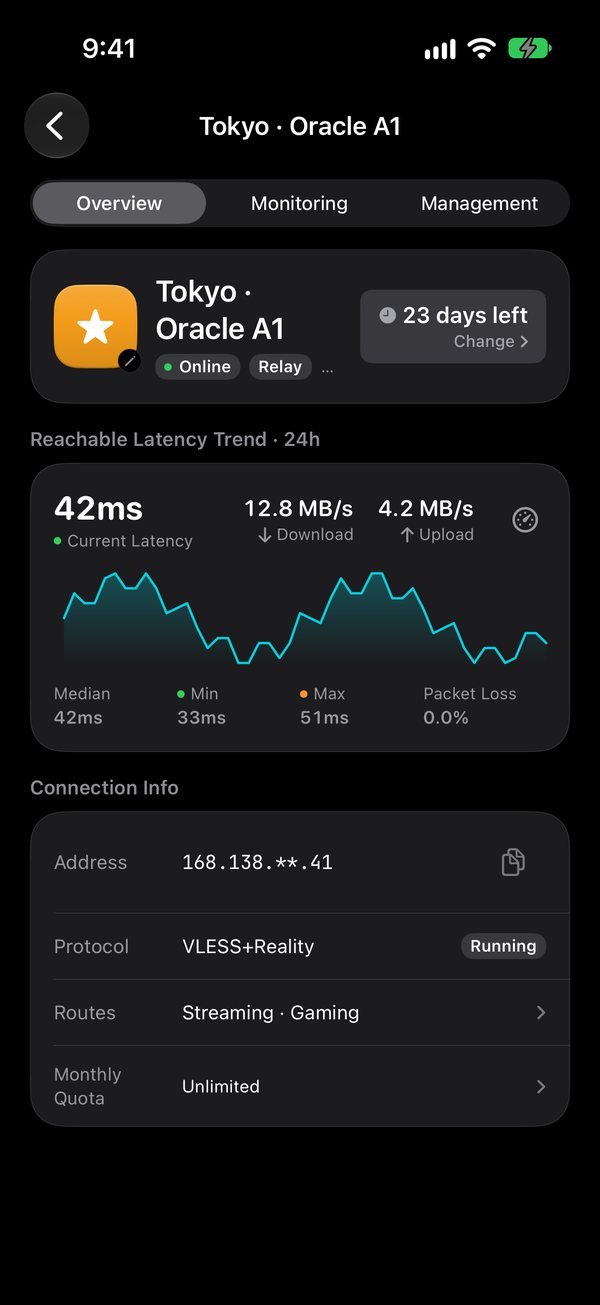
Grbit doesn’t sell servers. Bring the ones you already have, from a VPS you run to a provider you trust. Your rules decide which connections go where, and everything runs on your iPhone through Apple’s Network Extension. Nothing passes through us.
A complete client for people who want to see and shape their network traffic.
Send each connection through a proxy, direct, or nowhere at all, by domain, GeoSite, IP range, or GeoIP. A final rule catches everything else.
Select, URL test, fallback, load balance, and Grbit’s own adaptive mode. Run a latency test across a group in one tap.
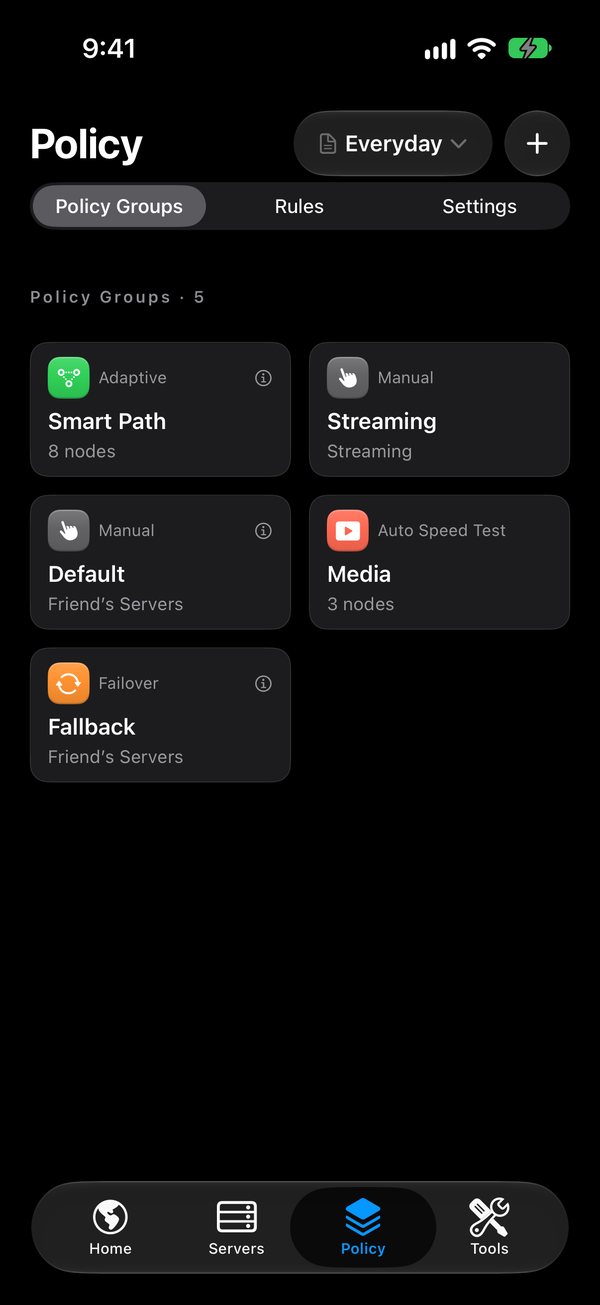
Powered by Comet, our own engine, written in Rust.
Import from Clash, Surge, Loon, sing-box, or a plain list of links. Grbit checks it and turns it into a profile of its own.
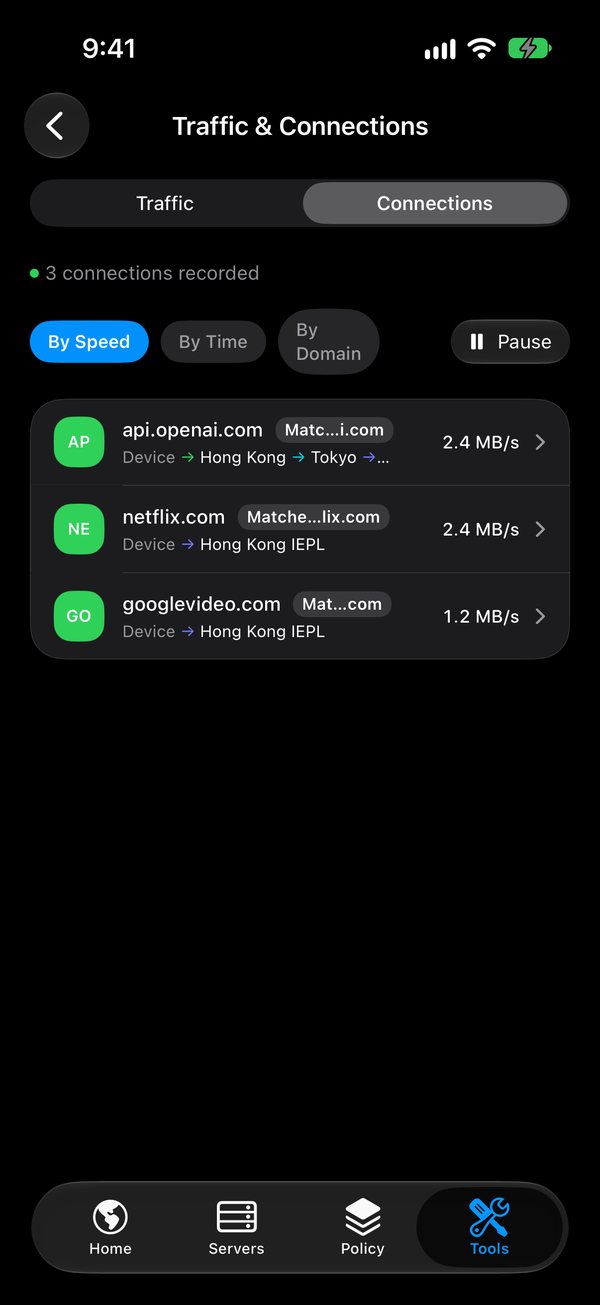
Each finished connection shows where it went, which rule sent it there, and how much it moved.
The Home screen draws your servers on a 3D globe, with day and night as they are right now.
Every tool runs on your device. Packet capture and HTTPS inspection stay off until you turn them on.
Unfold it and Grbit spreads out across the bigger screen. Fold it and everything still fits the cover screen.
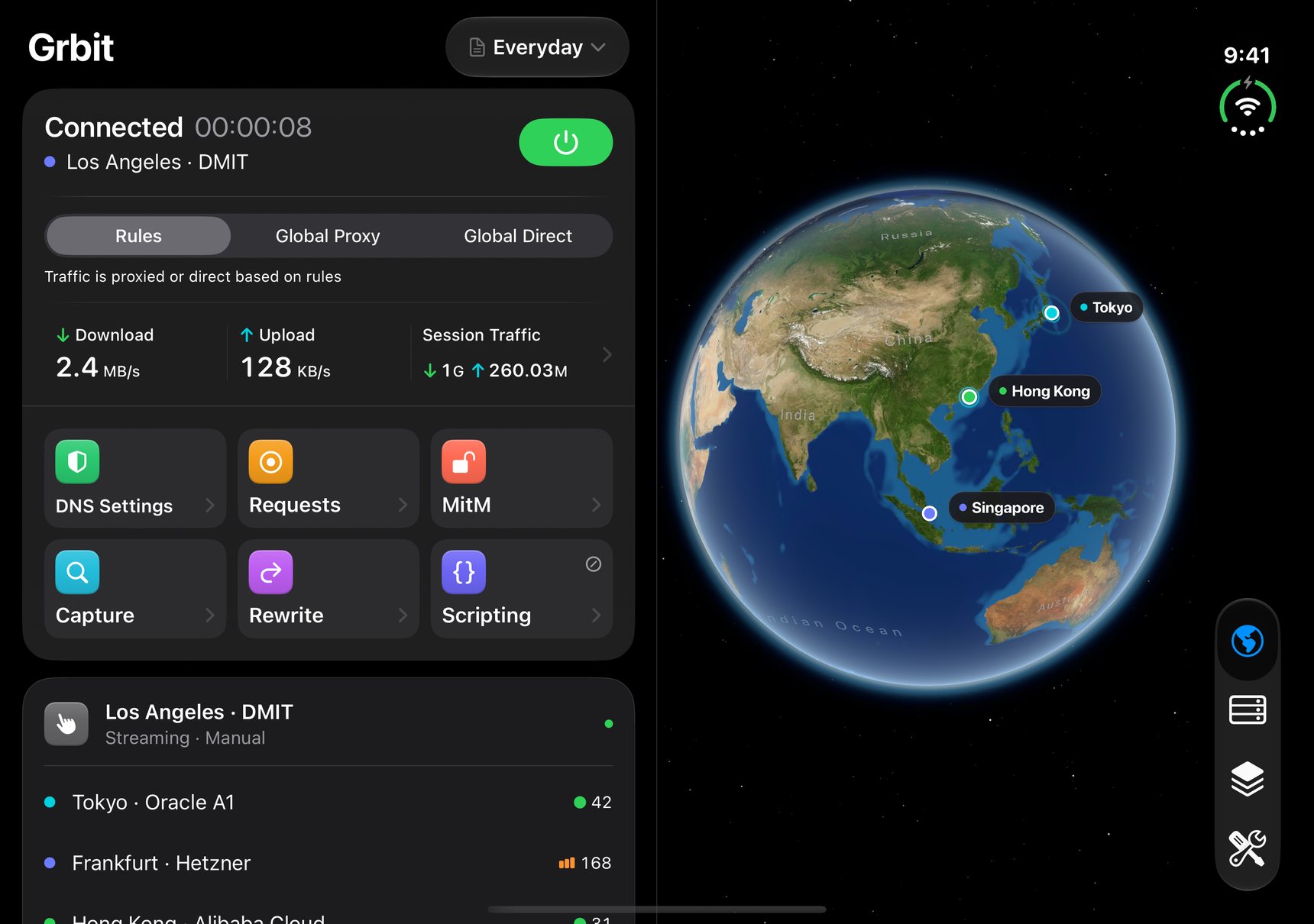
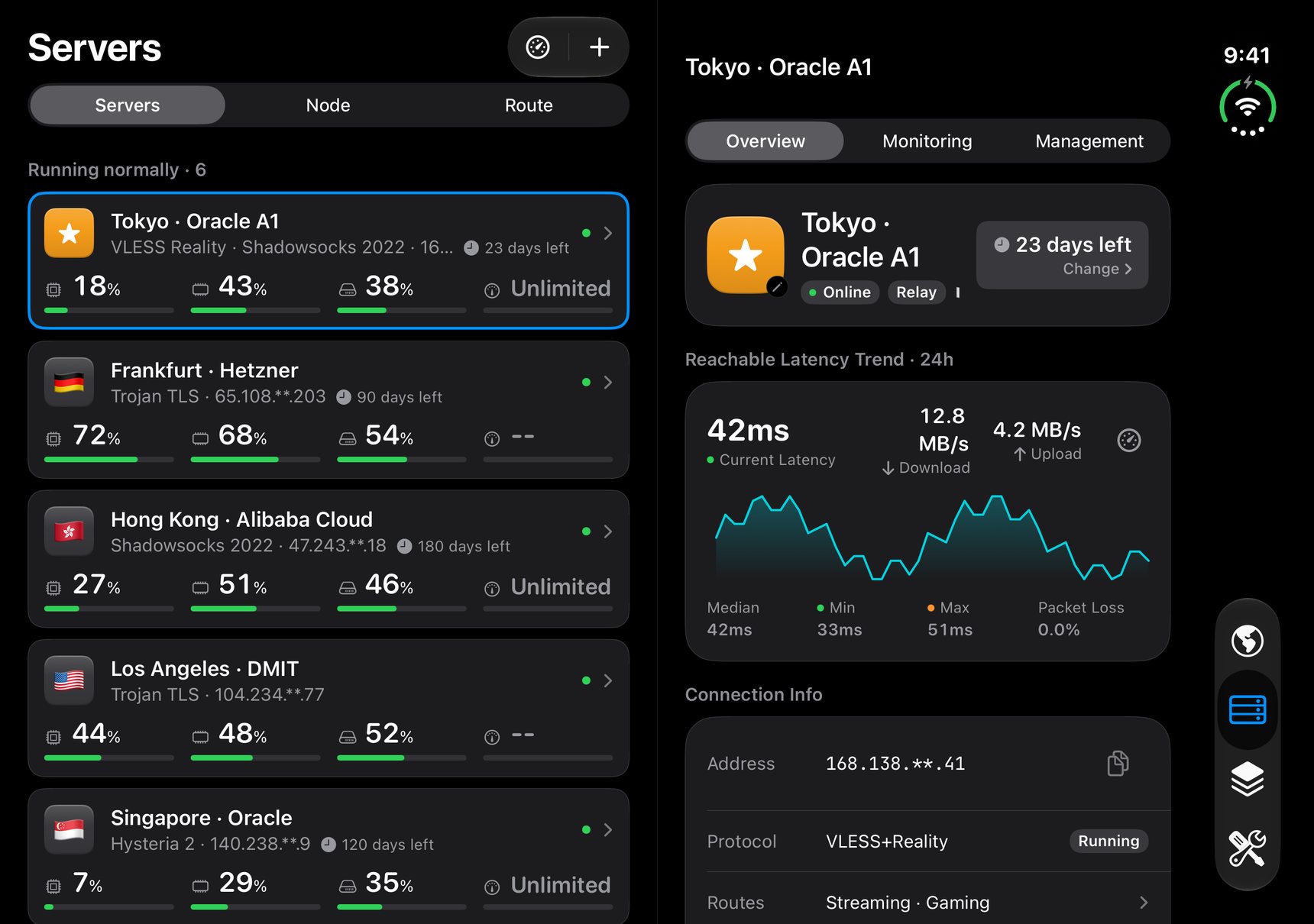
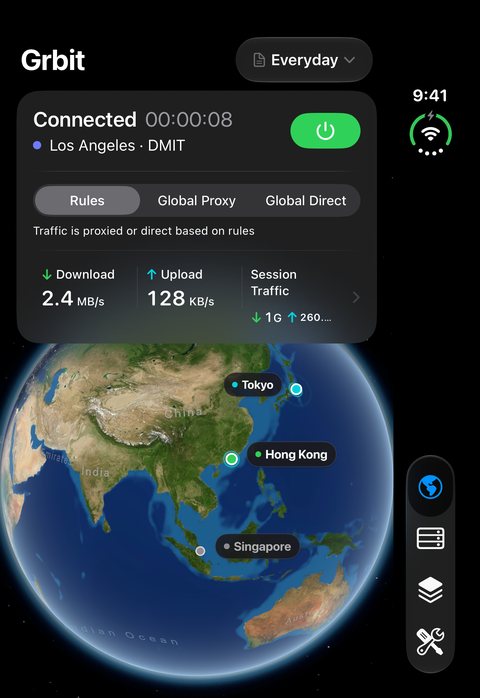
Unfolded, a list opens its details right beside it instead of on top of it.
Your connection stays on the left while the globe takes the other half.
On the cover screen, tabs and actions move into the rail along the edge.
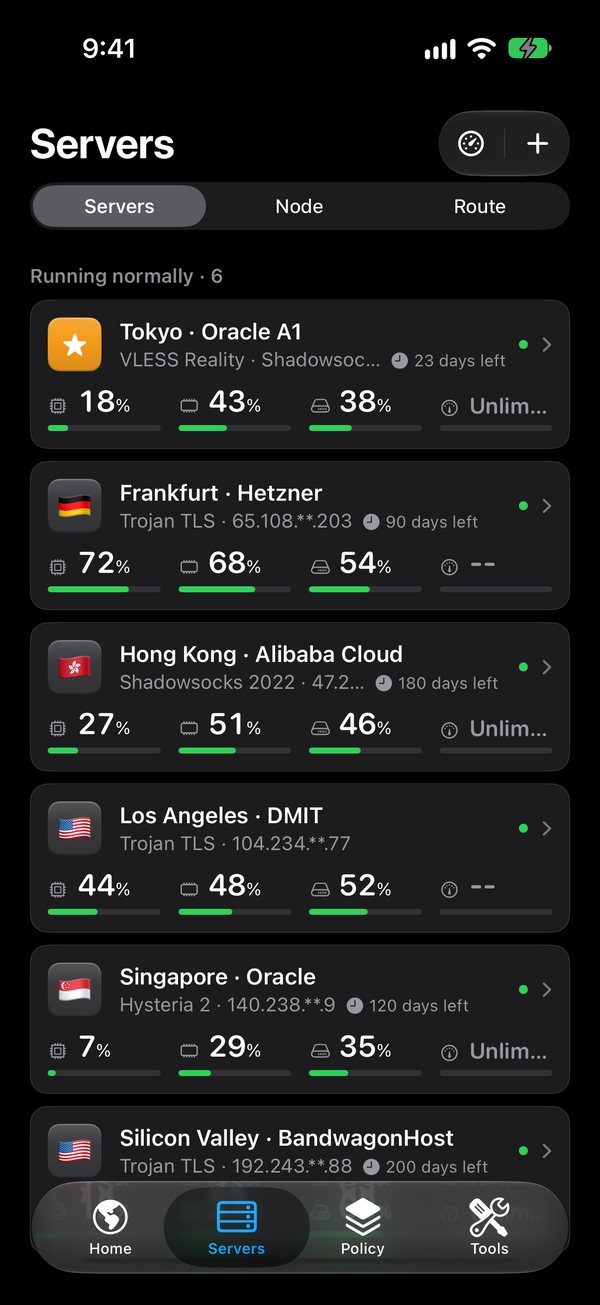
Already run a VPS? Add it over SSH and Grbit installs the protocol you choose. Then chain servers into routes with more than one hop.
Server credentials are stored in the iOS Keychain. Adding a machine only registers it; nothing listens until you install a protocol.
Grbit has no backend. There is nothing for us to collect, so we collect nothing.
No sign-in, no tracking SDKs, and no advertising.
Servers, rules, and credentials live on your device, with secrets in the iOS Keychain.
Connections run from your device to your servers. We never sit in the middle.
Connection state and time connected, at a glance on your Home Screen.
Start and stop the tunnel from Control Center on iOS 18 and later.
Turn the connection on or off from any automation you build.
Brings the tunnel back after it drops. It only ever reconnects, never disconnects.
Questions before launch? We answer every message, usually within two business days.